How to Use RAIMZEAL: The Complete Video Manual
Fifteen short videos that walk through every screen in the app, in the order you will actually meet them.
RAIMZEAL replaces about five apps, which is the point of it and also the reason a new member can open it and not know where to start. So we filmed the whole thing. The RAIMZEAL App Video Manual is fifteen short videos, one per area of the app, in the order you actually meet them.
Every video uses real screens from the live app, not mockups. Most run under half a minute. You can watch the whole set in about seven minutes, or skip straight to the screen you are stuck on. They all live on the video page.
Start here: the first three videos
If you only watch three, watch these. They cover installing the app, what every card on Home is for, and how to log your first meal, which between them account for most of what a new member needs in week one.
- Getting Started & Sign In — download, sign in with a provider or your own credentials, and land on Home.
- Home Dashboard Explained — the Daily Tip, your daily metrics, the Daily Focus actions, and the grouped tool directory that is the door to every other feature.
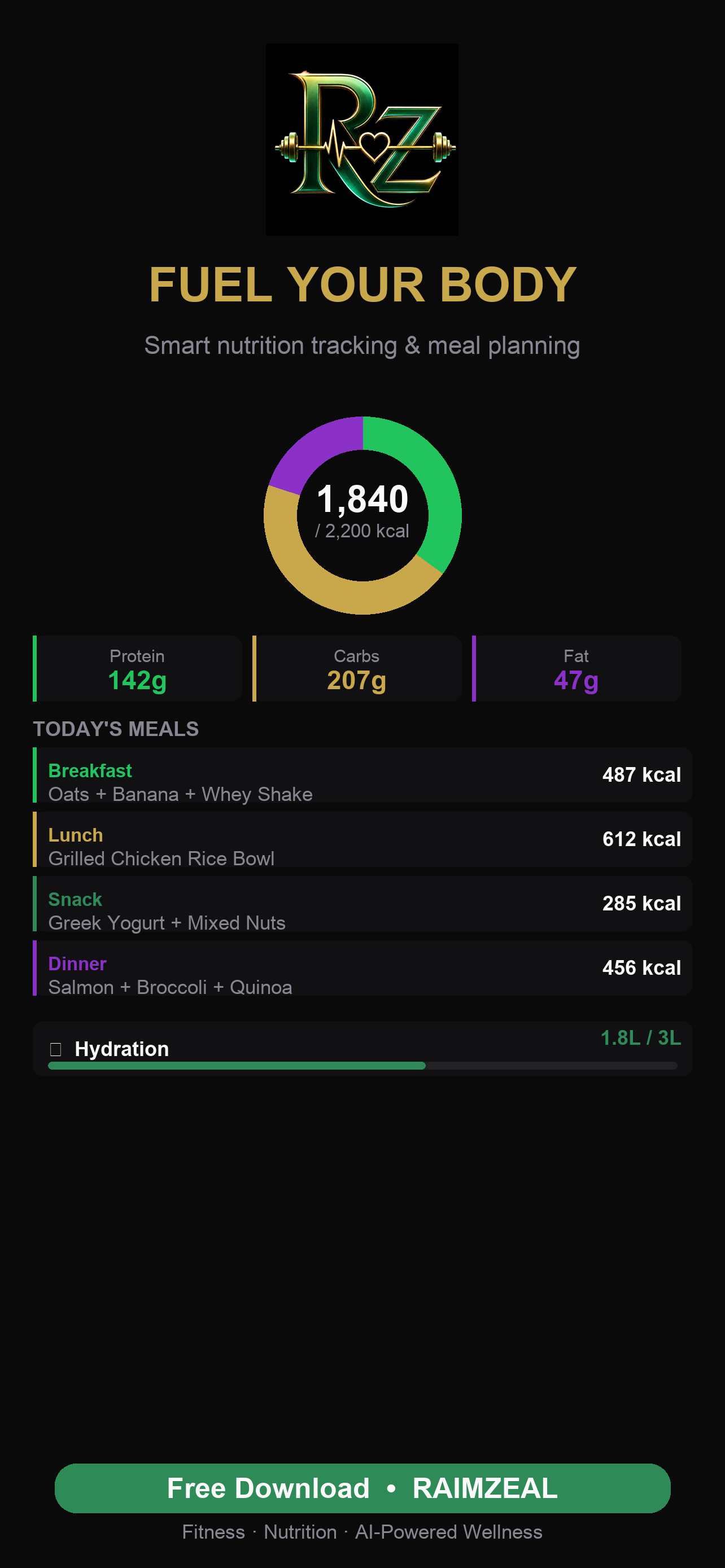
- Nutrition & Meal Logging — search foods, set macro goals, use Quick Add, and scan a barcode.
Home is worth a minute of attention because it is not a dashboard in the usual sense. It is organized around your next useful action rather than around charts, so what it shows you changes as your data changes.
The AI tools
Two videos cover the parts people ask about most. The AI Meal Scanner reads a photograph of your plate and estimates the foods and portions, and the Recipe Importer takes a link to almost any recipe online and logs its nutrition. Between them, a home-cooked meal becomes about as much work as a packaged one.
A separate video introduces Ovia AI, the coach built into the app, which we cover in more depth in Meet Ovia AI, the AI coach inside RAIMZEAL. It can talk about training, food, recovery, stress, sleep, hydration, habits, and how to use RAIMZEAL itself. You can type or use live voice. Completing your profile makes its answers noticeably more specific, because it is reasoning about your logged history rather than in the abstract.
Ovia AI is a coach, not a clinician. It will not diagnose you, and where a question belongs with a doctor it should say so.
Training, progress and recovery
The Workouts & Programs video walks the Library, Programs and History tabs: searching templates, filtering by muscle group, building a custom session, tracking an outdoor activity, the automatic repetition counter, and enrolling in a multi-week program.
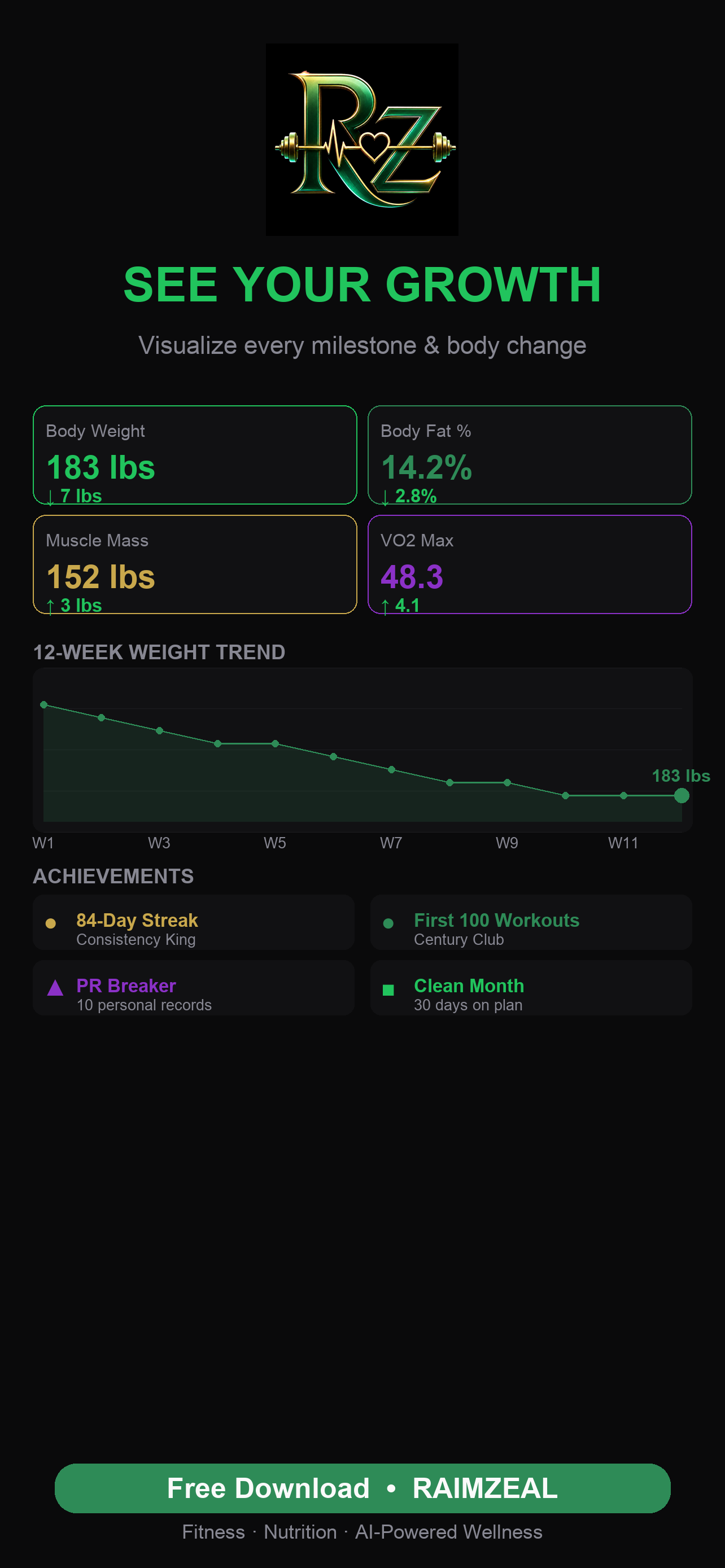
Track Your Progress covers measurements, weight, progress photos, achievements, workout statistics and weekly reports, plus the two things RAIMZEAL does for you in the background: it saves personal records automatically, and it turns your tracked habits into a single readable number called RAIMZEAL Age.
Recovery & Wellness Tools is the one most people skip and should not. Sleep, breathing, mindfulness, gratitude, guided sounds, habits, hydration, supplements and a daily readiness score all live here, along with the GLP-1 Companion for members taking a GLP-1 medication.
Women's health, community and your data
The Women's Health video covers period, PCOS, menopause, pregnancy wellness, cycle-phase sync and screening reminders. It also states plainly what these tools are: wellness and organizational tools. They do not diagnose conditions, they do not predict fertility with clinical certainty, and they do not replace prenatal or gynecologic care.
Community & Challenges shows the daily reflection, the feed, challenges and leaderboards, and the report and block tools. Connect Apple Health or Health Connect shows how to sync steps, sleep, heart rate and weight, and what to do when the operating system stops offering the permission prompt.
Profile, Privacy & Your Data is the one to watch if you care where your information goes. It covers the Profile directory, the six themes, Reduce Motion, and the account controls: export your data at any time, sign out, or delete your account outright.
Membership, planning and the quick start
The Membership video is short because the model is simple. The Foundation plan is free forever. Paid tiers are optional and add higher AI limits and selected premium capabilities. It also covers RAIMZEAL Foundations, a free fourteen-day course of one short lesson per day that needs no subscription and makes no AI call.
Day Planner, Goals & Daily Reflection covers the planning tools on the Explore row, and the final video ends with the quick start we would give anyone on day one: log one meal, take one walk, protect your sleep, and ask Ovia AI when you are unsure. For a day-by-day version of that, read your first week with RAIMZEAL.
RAIMZEAL is free on iOS and Android, and was built by DR. EPHRAIM OVIAWE at ECONTEUR LLC.
Frequently asked questions
How long does the whole video manual take to watch?
About seven minutes in total. The fifteen videos run between eighteen and thirty-seven seconds each, and they are ordered so you can stop after the first three and still know enough to use the app daily.
Do I need to watch them in order?
No. They are numbered in the order the app introduces each area, but each video stands alone, so you can jump straight to the screen you are stuck on.
Is there a written version?
Yes. The RAIMZEAL user manual covers the same material in more depth and is free to download from the video page. The videos are the fast path; the written manual is the reference.
Do I need to pay to use what the videos show?
Almost none of it. The Foundation plan is free forever and covers the great majority of the app, including meal logging, workouts, recovery tools and the fourteen-day Foundations course. Paid tiers add higher AI limits and selected premium features.