A free nutrition app with a real barcode scanner
Log food by name, by barcode or from your saved quick foods, see calories and macros update as you go, and ask Ovia AI what to eat before training. Barcode scanning is free on every plan; AI photo meal scanning starts on Rise.
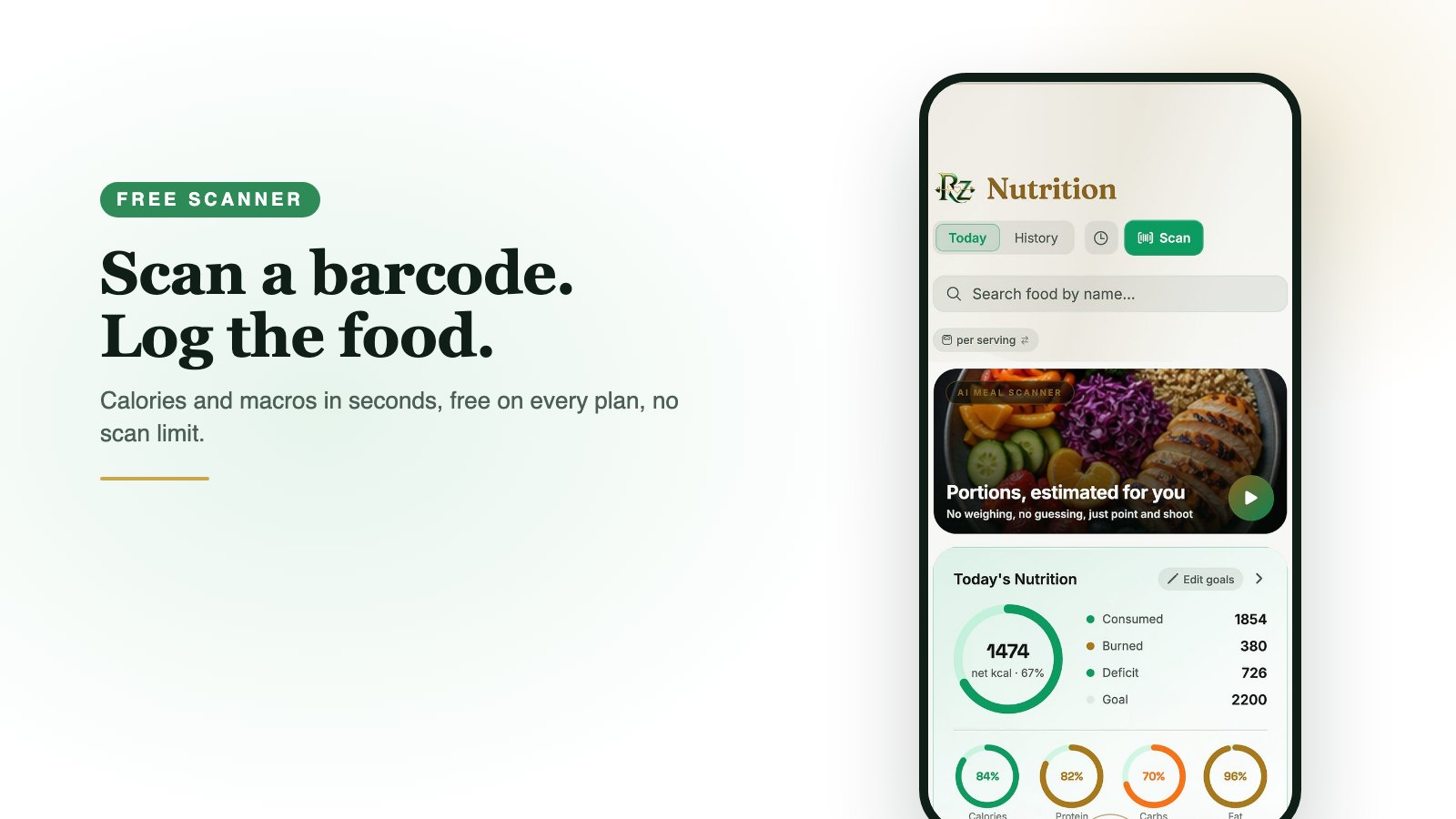
Log in seconds, not minutes
One tap on Scan in the Nutrition screen opens the barcode scanner. Search a large food database, set your usual portions once and reuse them, and let the day's totals do the maths against your goal.
Macros, goals and food therapy
Set calorie and macro goals from your BMR and TDEE, read Food Grade breakdowns, and follow food-therapy guidance that treats what you eat as part of how you feel, from recovery to sleep.
Meal plans, recipes and groceries
Plan a week, import recipes from a link, and turn the plan into a grocery list. Ovia AI can design a food plan from what you have in the kitchen.
Common questions
Is barcode scanning free?
Yes, on every plan including the free Foundation plan. Photo meal scanning, which reads a plate from a picture, starts on the Rise plan.
Can I track macros as well as calories?
Yes. Protein, carbohydrates, fat and fibre are tracked against goals you set, with a per-meal and daily view.
Does it have recipes and meal plans?
Yes. Save recipes, import them from links, plan meals for the week and generate a grocery list, all on the free plan.
See also: free ai fitness coach, free calorie counter, period tracker with workouts, PCOS fitness app, free workout app, free meal planner, menopause fitness app, pregnancy wellness app, free ai nutritionist, free sleep & meditation, free app for seniors, free fitness app, free health app, free habit tracker, free fasting app, free water tracker, free barcode scanner, free women's health app, and the download page.